

FansyMe Is Now Officially Integrated with Lovense
This post is also available in:
 Deutsch (German)
This means you can connect your Lovense toys directly to your FansyMe live streams through a stable, officially supported integration.
No workarounds.
No browser tricks.
No complicated setups.
For creators who already stream, this is a genuine upgrade.
Live streaming works because it creates an immediate connection. A fan joins, tips, and you respond in the moment. That real-time exchange builds loyalty faster than any scheduled or pre-recorded content ever could.
Adding interactive control deepens that connection. When a tip triggers an instant reaction, viewers feel involved. They’re no longer just watching — they’re shaping the experience in real time.

What This Approval Actually Means
Lovense StreamMaster is widely used by live creators to manage interactive toys across platforms. Being officially listed means FansyMe is now a recognised and supported cam site inside StreamMaster.
From a creator’s perspective, this is about stability and professionalism.
When you go live, you want your tools to work. You don’t want interruptions in the middle of momentum. A clean integration reduces friction and lets you focus on performance, connection and audience engagement.
On FansyMe, creators already earn 70 percent on live streams and streaming-related services. Live has always been one of the strongest earning tools on the platform because it builds relationships quickly.
Interactive control increases that potential even further.
It does not force monetisation. It enhances it. When tipping becomes part of the experience rather than a separate action, it feels natural. And natural monetisation always performs better.
How to Connect Lovense to FansyMe
Getting started is simple and only takes a few minutes.
- Go to the Lovense website and download StreamMaster for Windows or Mac.
- Install the software and log in to your Lovense account.
- Connect your Lovense toy using the Lovense Connect app.
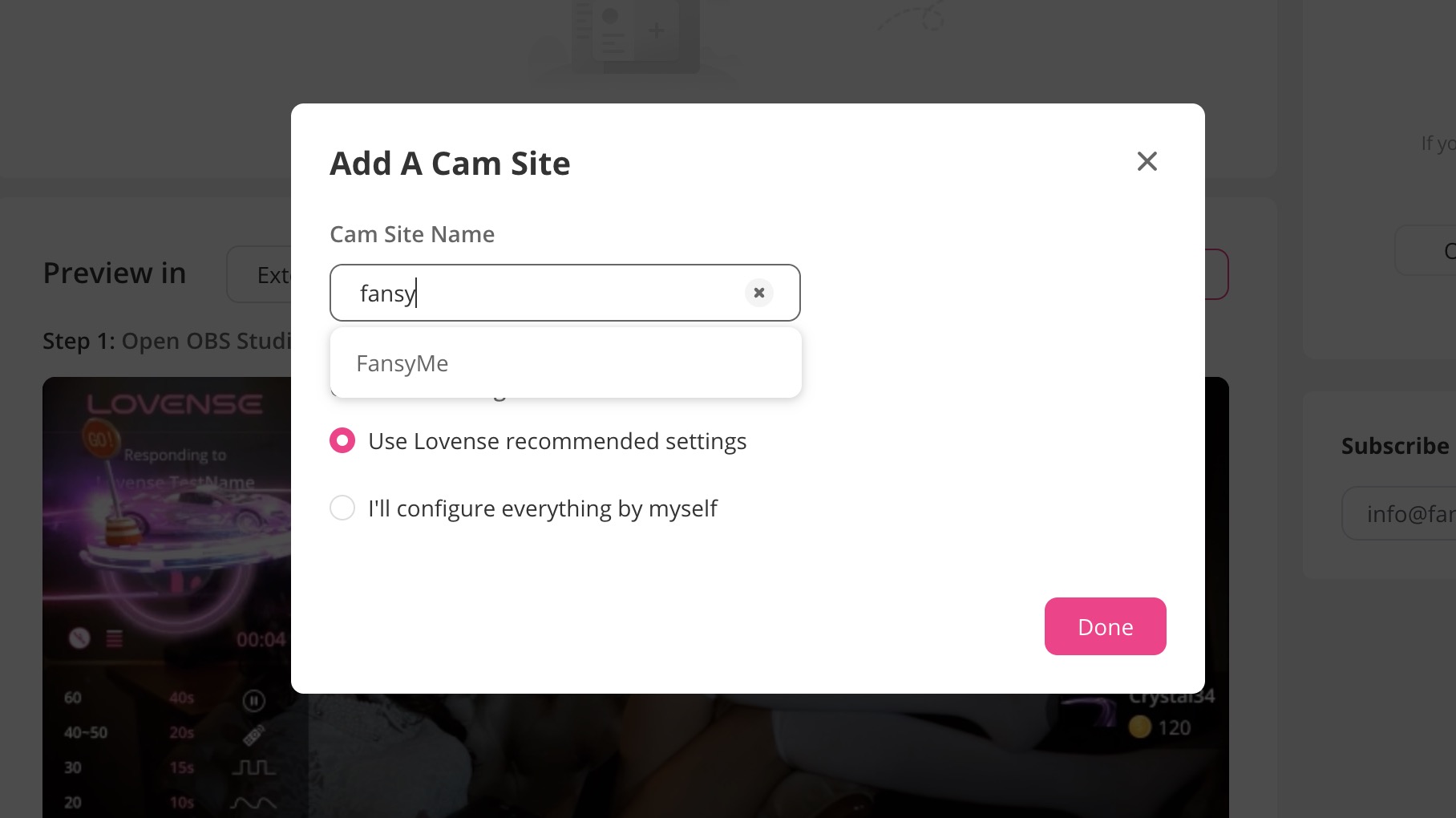
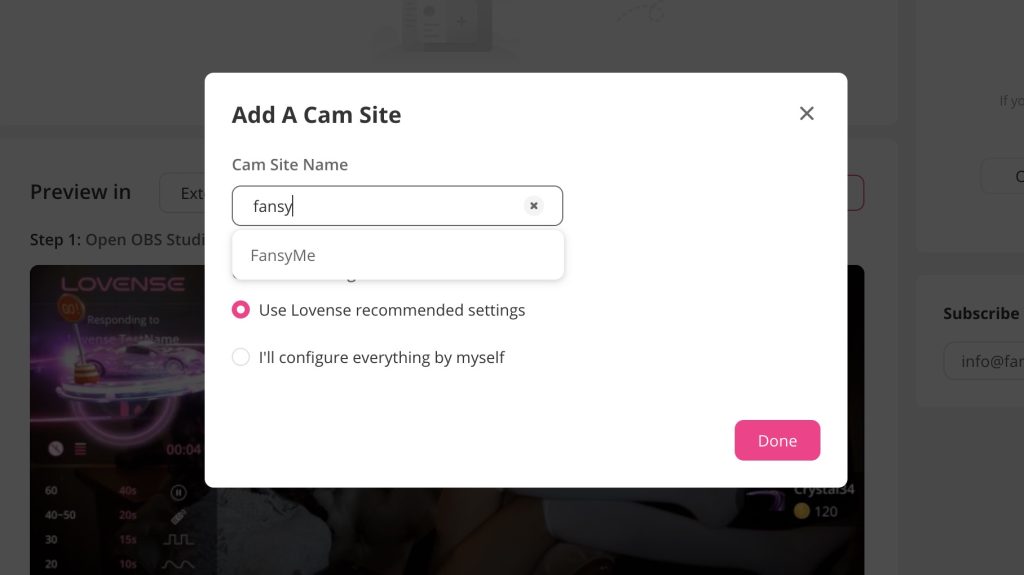
- Inside StreamMaster, click “Add Cam Site” and type FansyMe.
- Select FansyMe and choose the recommended settings.
- Start your live stream on FansyMe and go live.
Once connected, your toy will respond to tips during your FansyMe live sessions.
That’s it.
A Bigger Step for Professional Streaming
This integration is part of a larger direction.
FansyMe is built for creators who want long-term growth. Stable infrastructure, serious tools, clear earning models — these are not small details if you are building something sustainable.
Lovense approval reflects that approach. It shows that the platform is investing in proper integrations, not shortcuts.
If live streaming is part of your strategy, this is a natural extension. If you have been thinking about making your streams more interactive, now the technical barrier is gone.
The tools are ready.
What you create with them is entirely up to you.